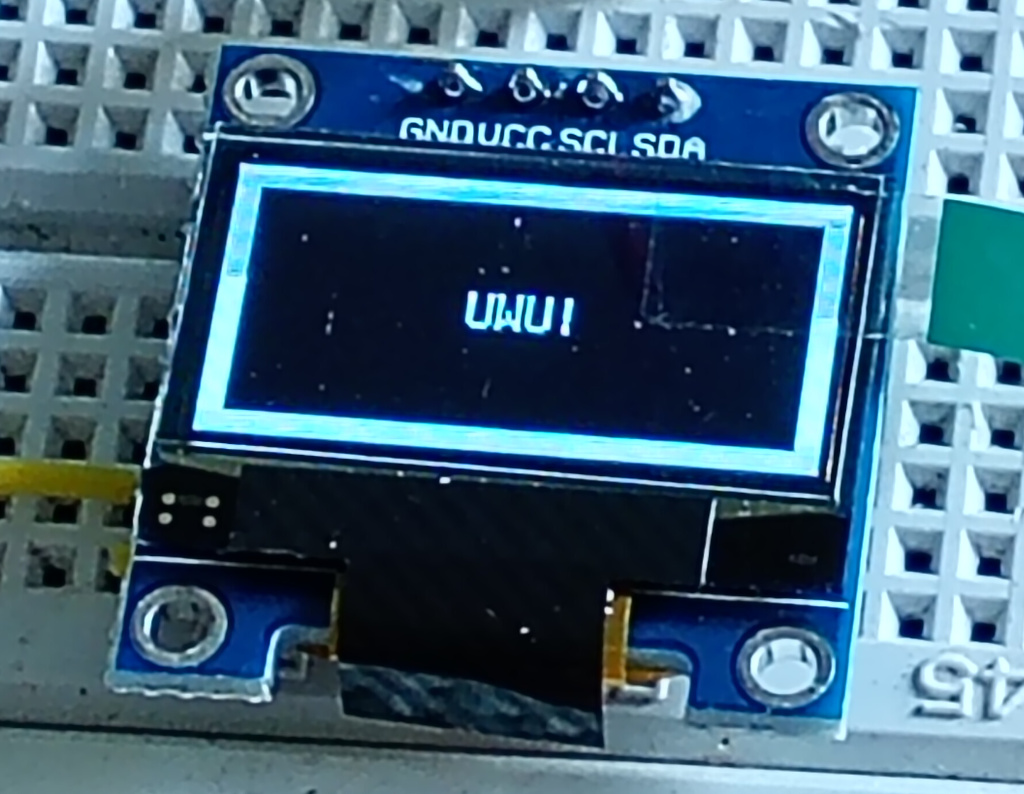
So, I didn’t realise how tiny these things were. All the promo pictures have them looking like Nokia phone displays but no. They’re literally an inch square. Anyway in my last order I bought 2 of these little OLED displays because the Raspberry Pi Pico has I2C channels coming out the wazoo.
I figured that getting the displays to work would need some work, because I’d looked at the API and, well, there were some concepts to get my head around.
Sticking with the Circuit Python route, I hunted down the example code and tried to run it with no luck. Then I found a post online that gave some extra context on getting I2C to work on the Pico.
I also had to remember that if I wanted any of the Adafruit libraries to work, it wasn’t enough to pip3 install them to my computer, I had to copy the library files to the Pico lib folder.
Well I did that, modified the example code to match the physical connections I wanted to use on the Pico and ran the code.
It actually worked!
Now I have the job of really figuring out how to use the displays, but at least I can get messages to show up, and that’s awesome.